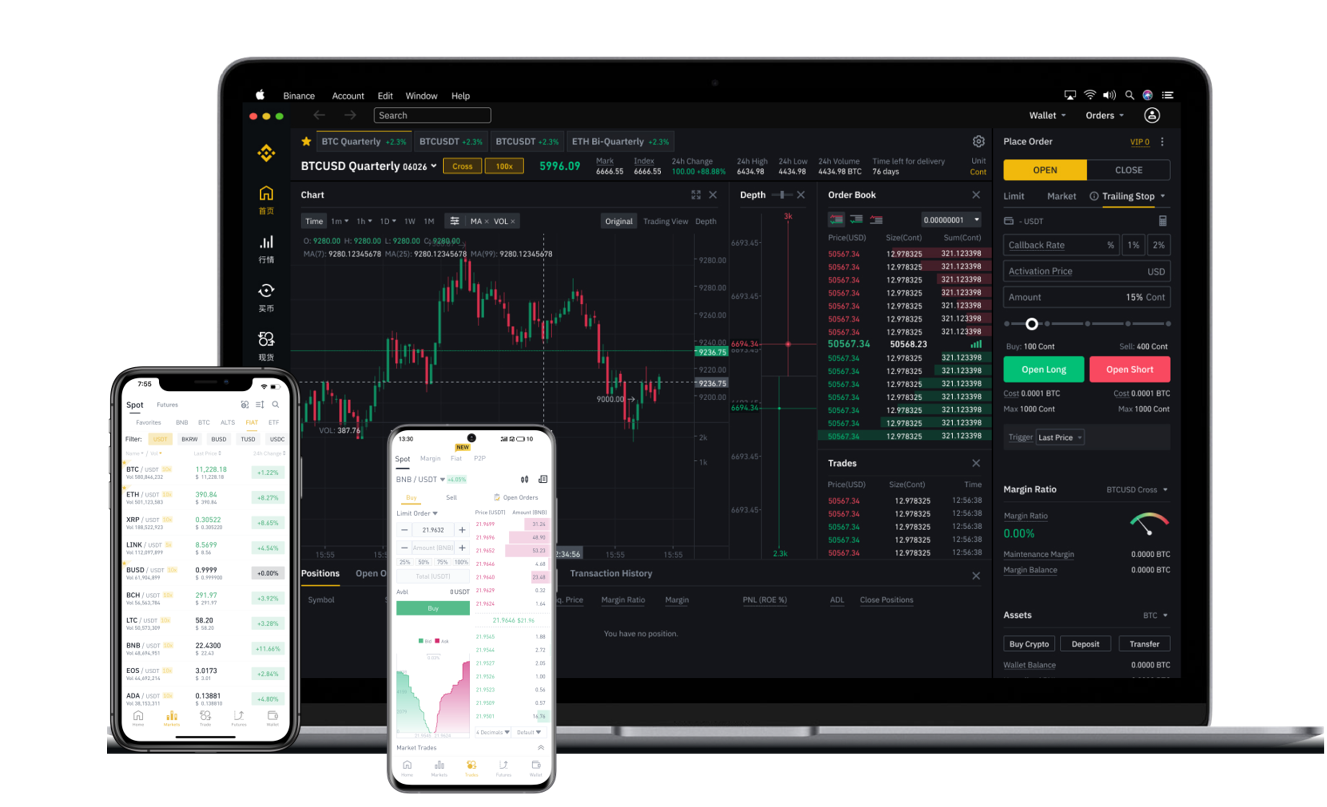
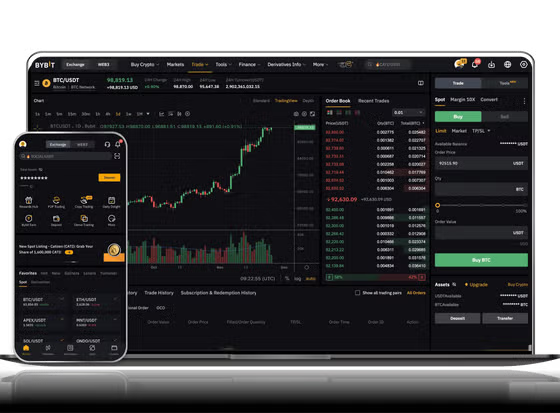
Binance Smart Chain (BSC) has emerged as one of the most popular blockchain networks for decentralized applications, NFTs, and low-cost token swaps. However, many new users struggle with the first step: actually using a centralized or decentralized exchange that supports BSC. This guide breaks down exactly how to use exchanges supporting Binance Smart Chain, from wallet setup to trading.
1. Understand What "Supporting BSC" Means
When an exchange claims to support Binance Smart Chain, it typically refers to two things. First, the exchange allows deposits and withdrawals via the BSC network (BEP-20 tokens). Second, its trading pairs may include BSC-native assets like BNB, CAKE, or BUSD on the BSC chain. Knowing this distinction helps you avoid sending tokens to the wrong network.
2. Choose a Compatible Wallet
To interact with a BSC-supporting exchange, you need a wallet that can connect to the BSC network. The most common options are MetaMask (with custom BSC network settings), Trust Wallet, and Binance Chain Wallet. For example, in MetaMask, you must manually add the Binance Smart Chain mainnet by entering the network RPC URL (https://bsc-dataseed.binance.org), Chain ID (56), and currency symbol (BNB). Without this configuration, your wallet will default to Ethereum, and you cannot send or receive BSC tokens.
3. Fund Your Wallet with BNB
BNB is the native gas token on Binance Smart Chain. Whether you are trading on a centralized exchange like Binance.com or a decentralized exchange (DEX) like PancakeSwap, you need a small amount of BNB to pay transaction fees. On a centralized exchange, you simply buy BNB and withdraw it to your wallet using the BSC network (BEP-20). Never send BNB via the BEP-2 (Binance Chain) or ERC-20 (Ethereum) network to a BSC wallet, as those are different blockchains.
4. Use a Centralized Exchange Supporting BSC
Centralized exchanges like Binance, KuCoin, or Gate.io allow you to trade BSC tokens directly. To use them, log in, go to the deposit page, select the token you want to deposit (e.g., USDT), and choose the Binance Smart Chain (BEP-20) network. The exchange will generate a deposit address. Copy that address, go to your external wallet, and initiate a withdrawal using the same BSC network. After the transaction confirms, your balance appears on the exchange. You can then trade against BNB, BTC, or stablecoin pairs.
5. Use a Decentralized Exchange (DEX) on BSC
DEXs like PancakeSwap, BakerySwap, or ApeSwap are built directly on BSC. No registration is required. Connect your wallet (e.g., MetaMask) to the DEX website. Ensure your wallet is on the BSC network. Then select the tokens you want to swap. For example, to buy CAKE, you trade BNB for CAKE. The DEX will show the estimated output and gas fee. Confirm the transaction in your wallet, and within seconds, the tokens appear in your wallet. Always verify token contract addresses to avoid scams.
6. Manage Network Fees and Slippage
BSC fees are much lower than Ethereum, but they still fluctuate. During peak usage, a swap might cost $0.10 to $0.50. You can adjust the gas price in your wallet settings, but setting it too low may delay your transaction. Additionally, set a slippage tolerance (usually 0.5% to 1%) to ensure your trade executes even if the price moves slightly. If you set slippage too low, your transaction may fail.
7. Security Tips for BSC Exchanges
BSC handles many forks of popular tokens, some of which are malicious. Only use token addresses from official sources like CoinGecko or the project’s verified social channels. Never share your private keys or seed phrase. When connecting to a DEX, double-check the website URL to prevent phishing. For centralized exchanges, enable two-factor authentication (2FA) and consider whitelisting withdrawal addresses.
8. Withdrawing from the Exchange
To move your funds back to your wallet, go to the withdrawal page on the exchange, select the token, choose the BSC (BEP-20) network, and enter your wallet’s BSC address. Double-check the address because blockchain transactions cannot be reversed. After a few minutes, your wallet will show the balance. Always keep a small amount of BNB in your wallet for future transactions.
Using an exchange that supports Binance Smart Chain is straightforward once you understand the network settings and fee structure. By following these steps—configuring your wallet, funding it with BNB, and selecting the correct network for deposits and withdrawals—you can trade and swap tokens on BSC efficiently. Whether you are using a centralized platform for higher liquidity or a DEX for instant swaps, the key is to stay consistent with the BEP-20 standard and never ignore security practices.