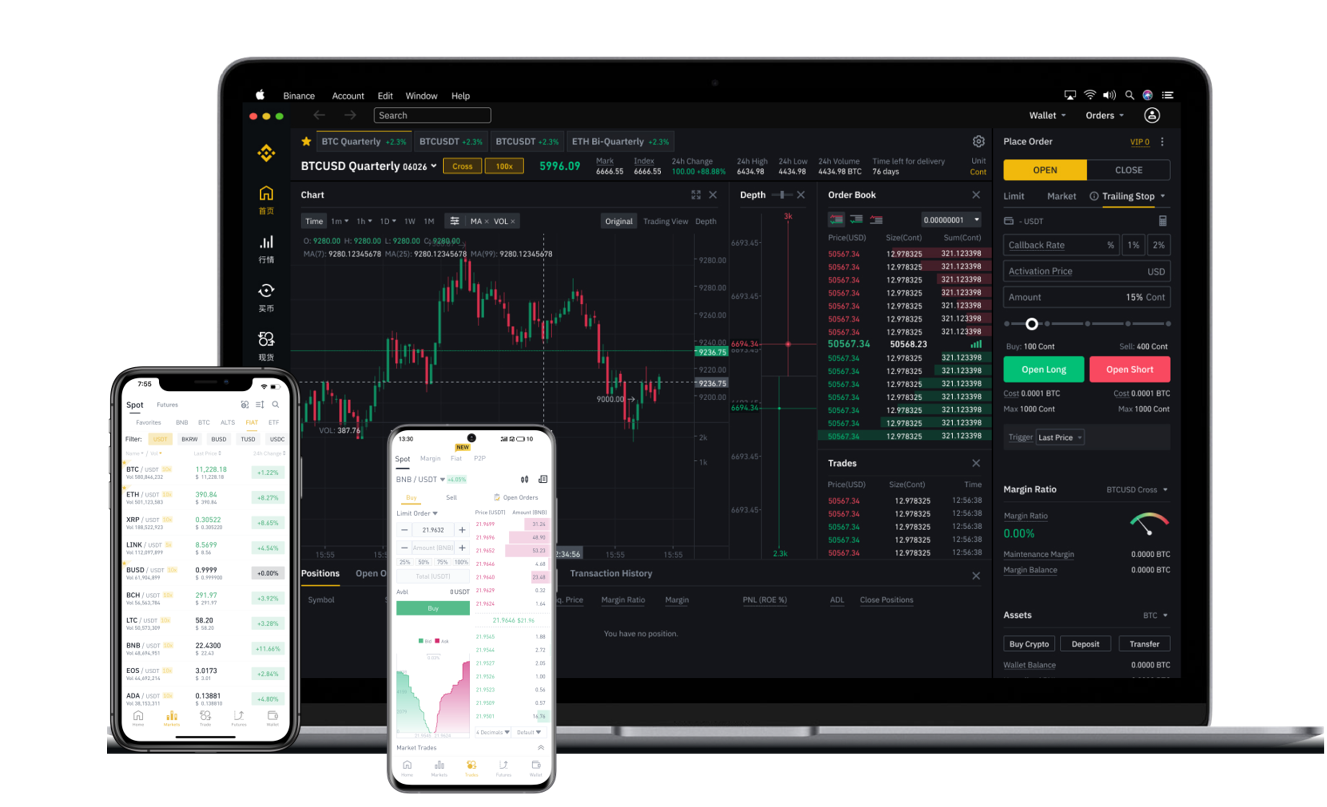


Withdrawing cryptocurrency from Binance to another exchange is a routine process for many traders, whether you are moving funds to take advantage of lower fees on a different platform, accessing a specific trading pair, or consolidating your portfolio. This guide provides a clear, step-by-step explanation of how to complete a Binance withdrawal to another exchange, ensuring your assets are transferred securely and efficiently.
Before you begin, confirm that the receiving exchange supports the specific cryptocurrency you intend to transfer. Each exchange lists the supported assets and networks on its deposit page. For example, if you are sending USDT, check whether the destination exchange accepts it on the BEP-20 (Binance Smart Chain), ERC-20 (Ethereum), or TRC-20 (Tron) network. Using an incompatible network can result in the permanent loss of your funds.
Start by logging into your Binance account. Navigate to the “Wallet” section and select “Fiat and Spot.” Locate the cryptocurrency you wish to withdraw and click the “Withdraw” button. A new window will appear where you need to fill in the withdrawal details.
The first field is the recipient address. Go to your receiving exchange’s deposit page, choose the same cryptocurrency and network, and copy the deposit address. Paste this address carefully into Binance’s withdrawal field. It is highly recommended to use the “Whitelist” feature, which only allows withdrawals to pre-approved addresses. This adds a vital layer of security against address book errors or unauthorized changes.
Next, select the correct network. Binance will display available network options based on the cryptocurrency you chose. For example, for Ethereum-based tokens, you might see “ERC-20.” For high-speed low-cost transfers, the BEP-20 network is often ideal, provided the receiving platform accepts it. Double-check that the network you select matches the network on the destination exchange exactly. A mismatch will cause the transaction to fail or lead to lost funds.
Enter the withdrawal amount and review all fees. Binance charges a small network fee for each withdrawal, which varies depending on the blockchain network traffic and the selected network type. The system will also show you the estimated arrival time, which can range from a few minutes for Binance Smart Chain transactions to longer periods for Bitcoin or Ethereum mainnet transfers.
After confirming the details, complete the security verification steps required by your Binance account, such as an email code, SMS code, or Google Authenticator code. If a large withdrawal triggers additional security flags, you might need to complete a facial verification process.
Once submitted, the withdrawal will be processed. You can check the status under the “Transaction History” or “Funding” section of your Binance account. Binance will provide a transaction ID (TxID) which you can use to track the transfer on the blockchain explorer. Typically, funds will appear in your receiving exchange’s wallet after a few confirmations on the blockchain. If the deposit does not show up after a reasonable time, contact the receiving exchange’s support team first, as they handle crediting confirmed transactions.
For large amounts, consider making a small test withdrawal first. This practice can save you significant stress and potential loss if you have entered an incorrect address or selected the wrong network. Once the test transfer is successful, you can proceed with the remaining balance.
In summary, withdrawing from Binance to another exchange is a straightforward process when approached methodically: verify the receiving exchange’s deposit requirements, copy the correct address and network, double-check everything on Binance, complete security verification, and monitor the transaction until it arrives. Following these steps will help you manage your digital assets across exchanges with confidence and minimal risk.